Feature
New Feature in Explore Zoning Plans: Control Your Map Background Like Never Before
Created by

Struck Team
Communication
At Struck, our goal is simple: give you the freedom to explore, analyse, and understand building regulations with clarity and confidence.
Today, we’re excited to introduce a highly requested improvement inside Explore Zoning Plans.
The Background Map Selector
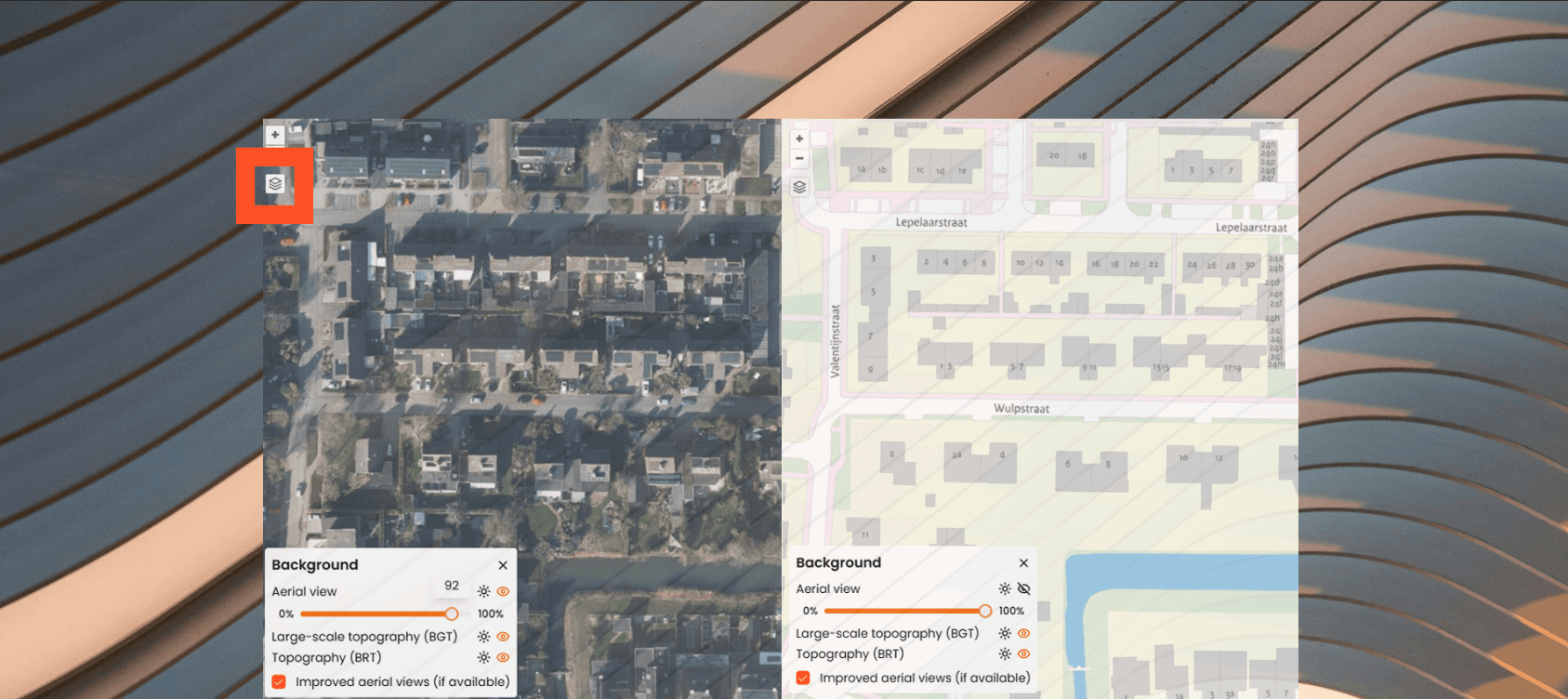
You’ll now see a new layers icon on the left side of your map. With just one click, you can fully customise how your project location appears on the screen.
What you can do with it
Switch between multiple background maps
Choose the view that fits your workflow best:
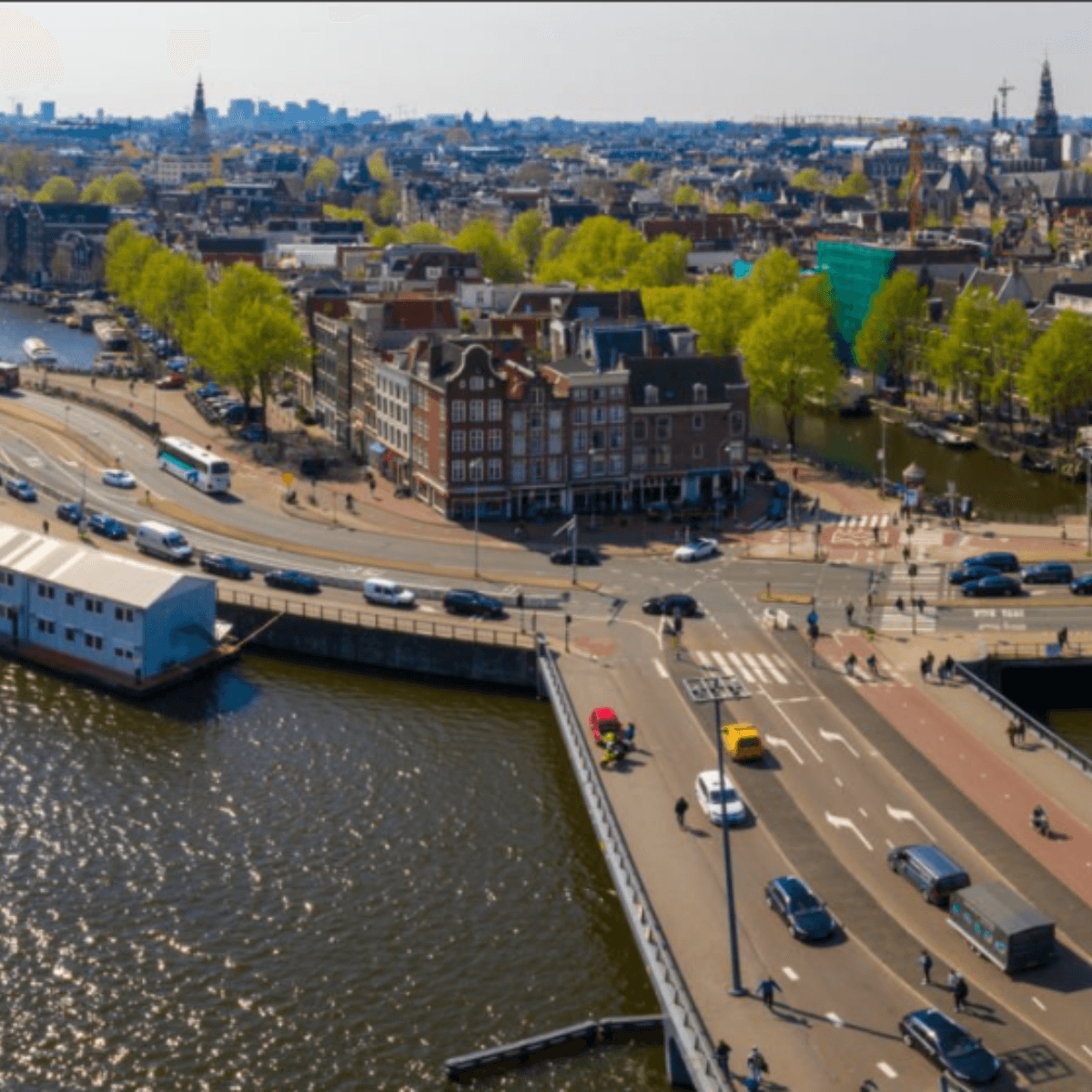
Aerial view – see real buildings, gardens, shadows, and layout.
Large-scale topography (BGT) – the official, highly detailed Dutch base map that shows buildings, roads, water, and landscape features with precise accuracy.
Topography (BRT) – a simplified topographic map with clear, readable shapes for quick orientation.
Improved aerial views (if available) – higher-quality aerial imagery for selected areas.
Adjust transparency
Use the slider to blend aerial photos with topographic layers.
Perfect for:
checking plot boundaries,
comparing zoning outlines with real-world objects,
understanding the site context without switching back and forth.
Work the way you prefer
This feature makes the map completely flexible. Whether you’re an architect, municipality, project manager, or student, you can now view your location in the style that helps you work faster and more accurately.
Why this feature matters
1.Better visibility
Switching between maps reveals more detail buildings, green areas, plot borders, and surroundings.
2.More accuracy
The transparency slider helps you compare zoning lines with the real situation on the ground, reducing mistakes and saving time.
3. Faster decision-making
You no longer need external tools to check satellite images or maps. Everything is now available in one place
Already available in the Permit-Free Checker
Good news: the Background Map Selector is now also active in the Permit-Free Checker, giving both tools the same flexible visual experience.
What’s next?
We’re continuously improving the map experience. More layers and visual options are coming soon to help you analyse locations and building rules even better.
If you haven’t tried it yet, open any address in Explore Zoning Plans, click the layers icon, customise the view, and see the difference immediately.